
Fake WhatsApp Chat Generator
This account can no longer use WhatsApp
This account cannot use WhatsApp
This account is not allowed to use WhatsApp due to spam
This account has been restored
We have completed your review and found this account's activity did not follow WhatsApp's
We've completed our review and found this account's activity goes against WhatsApp's
Chats are still on this device
Chats can be accessed after your verify your account visit our Help Center to learn about
terms of service Using whatsapp responsibly.
John Doe
John Doe
26 November 2003 Wed, 26 Nov


Having payment issues? Try a different browser or clear your cache. Contact us if it continues.
(Only $0.27/day)
- ✅ Watermark-free image
- ✅ Advertising-free site
- ⬇️ Unlimited download
- ♾️ 25+ tools access
- 🔔 Early access to updates
- ⚡ Instant activation
- 🔐 Secure payment
- 🙈 No personal details required
(Only $0.33/day)
- ✅ Watermark-free image
- ✅ Advertising-free site
- ⬇️ Unlimited download
- ♾️ 25+ tools access
- 🔔 Early access to updates
- ⚡ Instant activation
- 🔐 Secure payment
- 🙈 No personal details required
(Only $0.43/day)
- ✅ Watermark-free image
- ✅ Advertising-free site
- ⬇️ Unlimited download
- ♾️ 25+ tools access
- 🔔 Early access to updates
- ⚡ Instant activation
- 🔐 Secure payment
- 🙈 No personal details required
(Only $0.67/day)
- ✅ Watermark-free image
- ✅ Advertising-free site
- ⬇️ Unlimited download
- ♾️ 25+ tools access
- 🔔 Early access to updates
- ⚡ Instant activation
- 🔐 Secure payment
- 🙈 No personal details required
(Only $1/day)
- ✅ Watermark-free image
- ✅ Advertising-free site
- ⬇️ Unlimited download
- ♾️ 25+ tools access
- 🔔 Early access to updates
- ⚡ Instant activation
- 🔐 Secure payment
- 🙈 No personal details required
Choose Payment Method
Annual — $120 / yearCrypto (USDT, BTC ...)
Pay with BTC, USDT, Tron & more...Debit or Credit Card
Visa, Mastercard & moreDownload not working? Click here to download again.
Related WhatsApp Tools
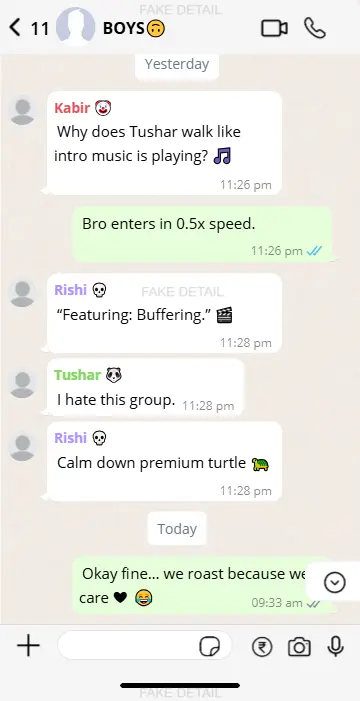
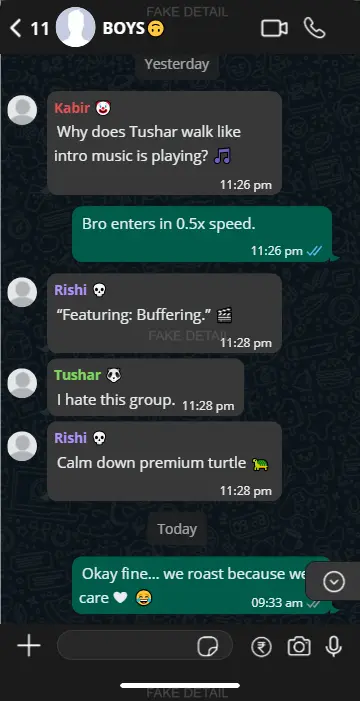
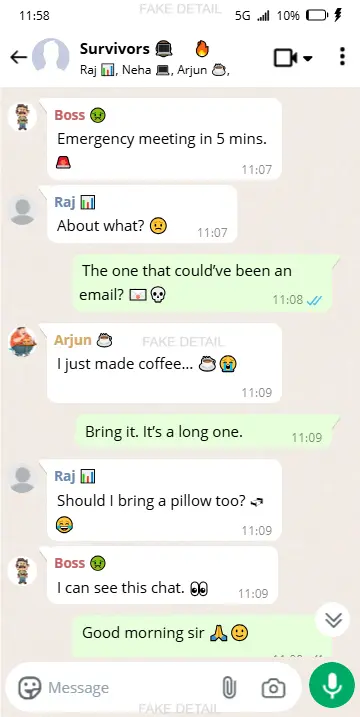
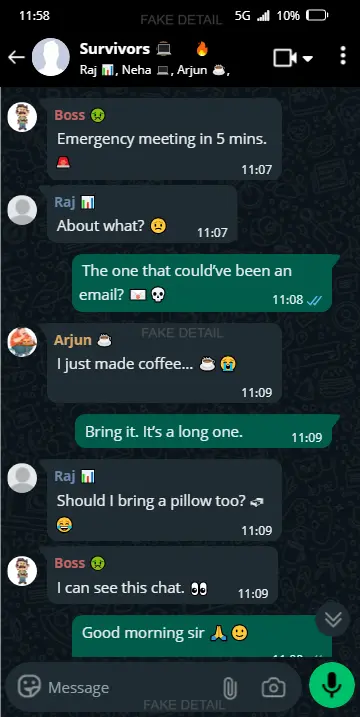
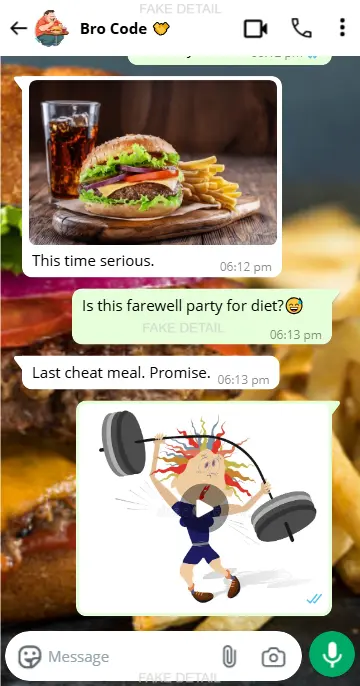
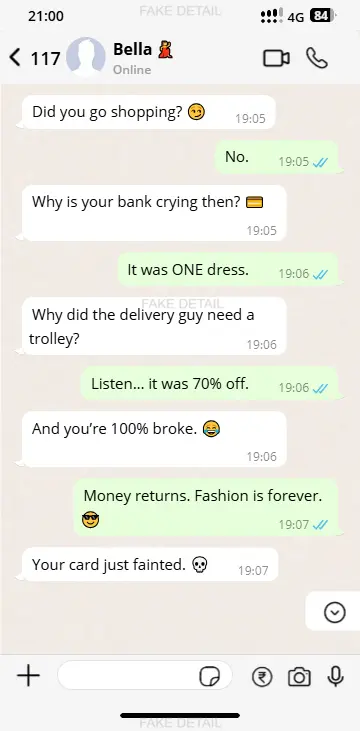
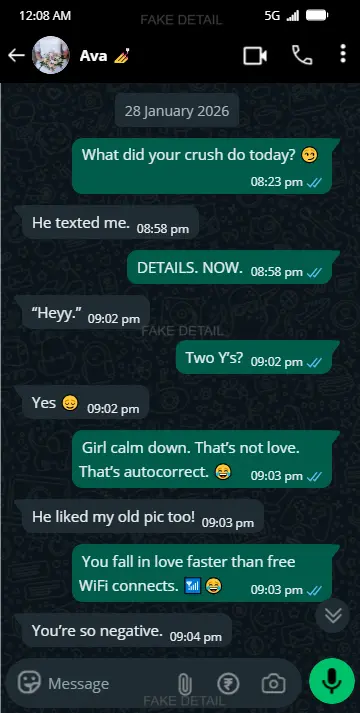
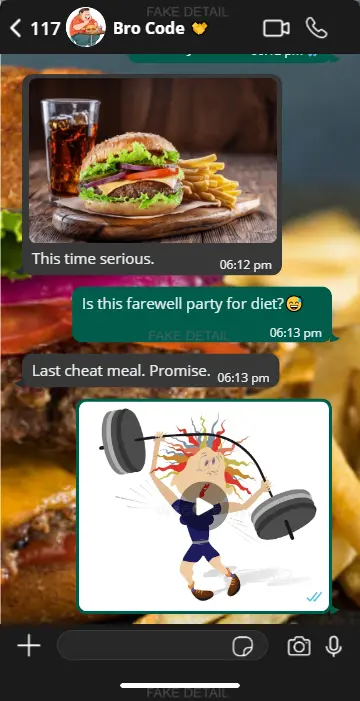
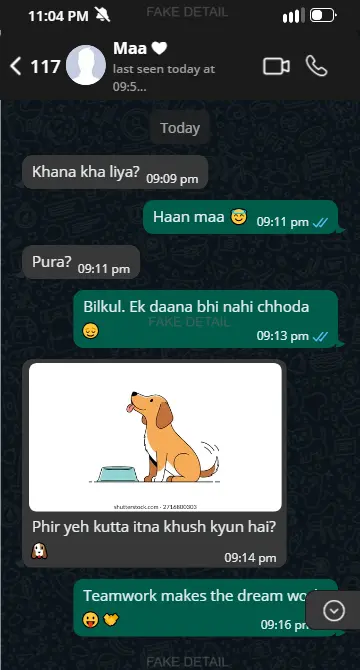
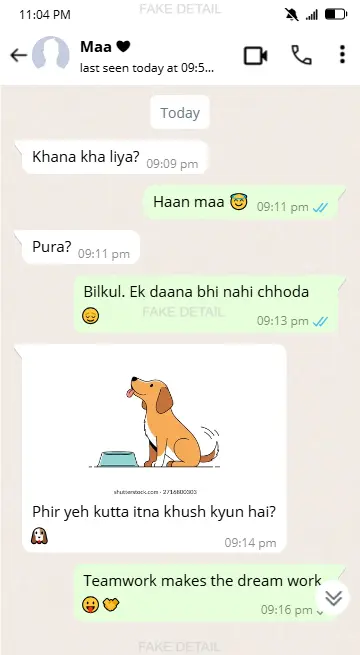
Create Funny Memes With Our Fake WhatsApp Chat
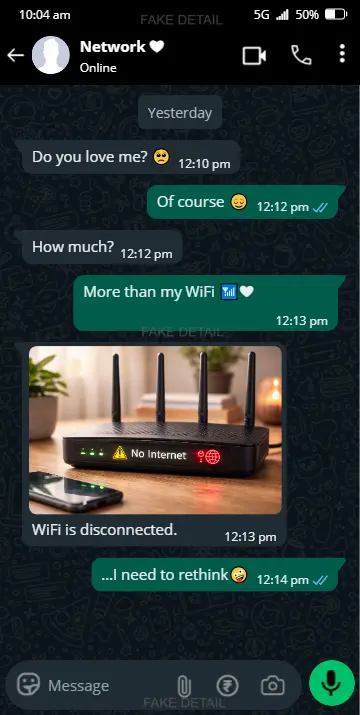
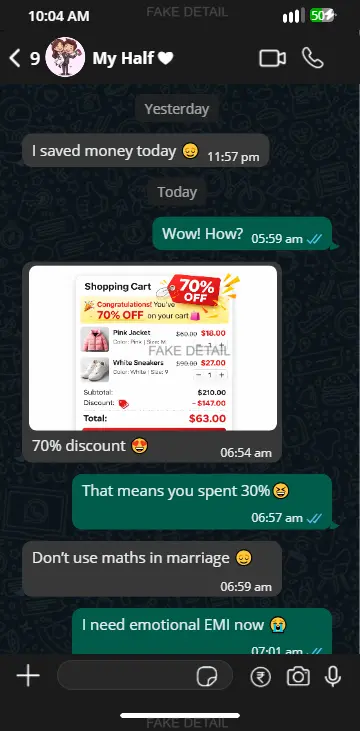
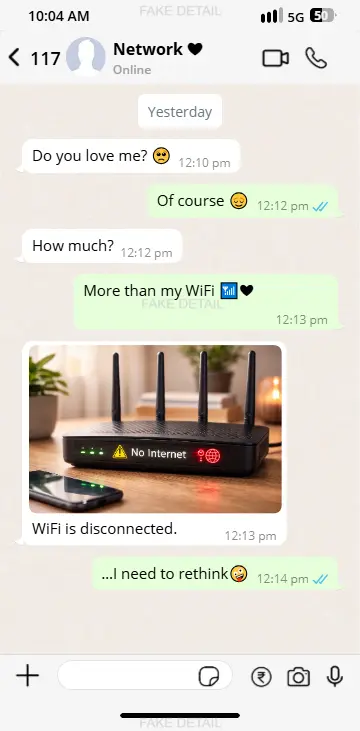
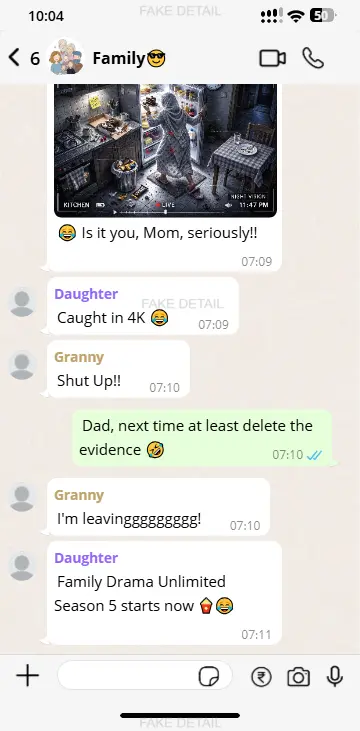
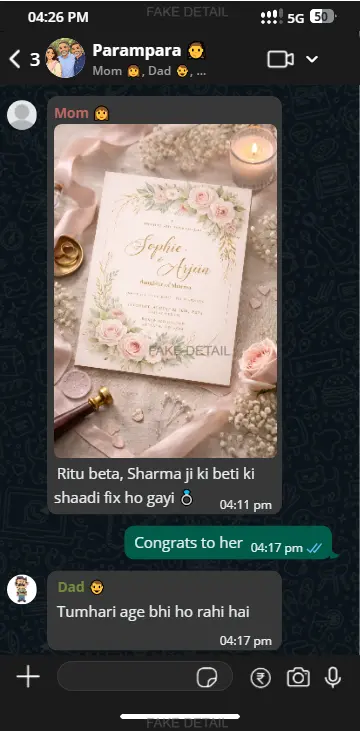
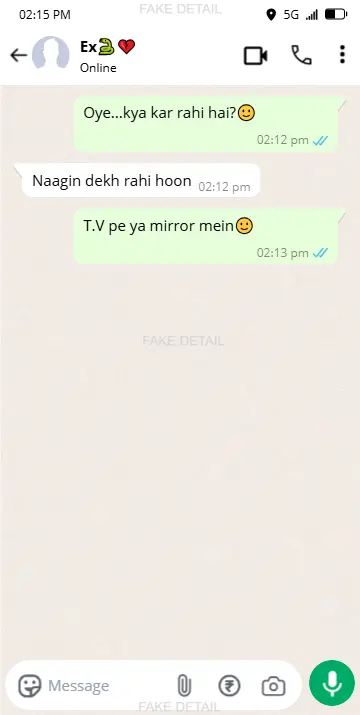
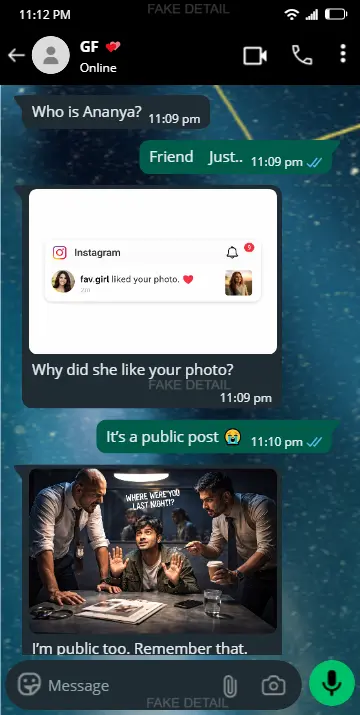
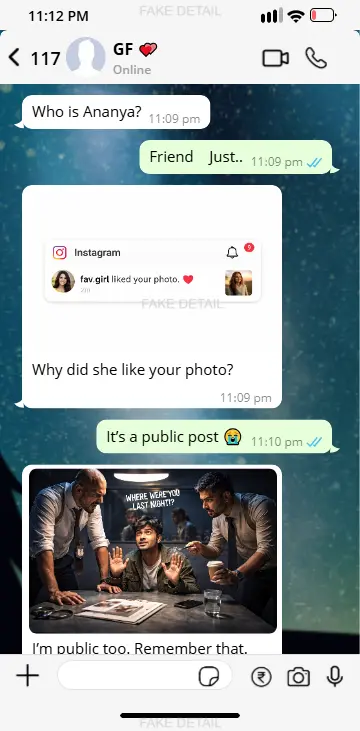
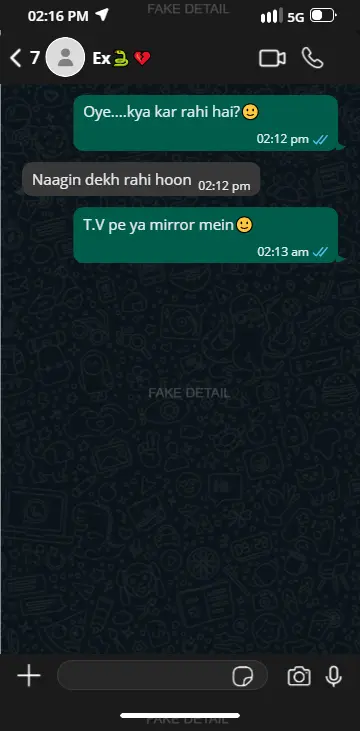
Make funny fake WhatsApp chat screenshots — couples, friends groups, family groups, GF-BF chats, two friends, and mom-son conversations.
🎉 What’s New?
🎥 Screen Recording
Record your chat preview while creating and editing your conversation.
📌 Capture your workflow directly from the preview.
🖼️ Download Image Formats
Download your finished chat in your preferred image format.
📌 Choose the format that works best for your project.
Need a quick share of a WhatsApp image or link? Turn any image or link into a scannable QR code in seconds using QR Code Generator Free and share it!
Make a Fake WhatsApp Chat Screenshot Online
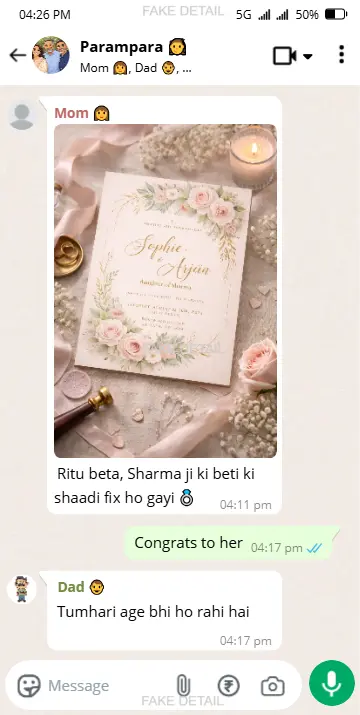
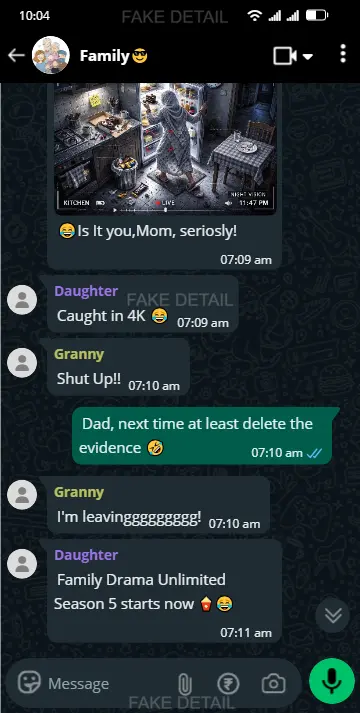
This fake WhatsApp chat generator draws a WhatsApp conversation as a picture. You write both sides of the chat, and the Preview shows it in WhatsApp's own look on an iPhone or an Android phone: the contact's name and photo, the message bubbles, the time, the ticks and the status bar.
Add text, photos, stickers, voice notes, calls, locations, documents, links and contacts, build a whole chat history one message at a time, then download it as an HD screenshot or record a video of the chat playing.
It is a free online chat maker that works in your browser. You don't need WhatsApp, an app or an account, and nothing is sent to anyone: the chat exists only as the image you make.
At a glance
Free, in your browser, no sign-up
iPhone and Android layouts, plus a desktop view
Light and dark mode
Blue ticks, message times, dates and reactions
HD image in PNG, JPG, JPEG or WEBP
Screen recording of the chat as a video
How to Make a Fake WhatsApp Chat
Six steps take you from an empty chat to a finished screenshot.
Set Up the Contact
In Profile, type the contact's name, upload a profile photo and choose Online, Offline or Last seen. You can also show the verified badge and a number of unread messages.
Write the Messages
Choose who sends each message, Sender (You) or Receiver, type or paste the text and click Add Message. Repeat it to build the conversation.
Pick the Message Type
For anything other than text, switch to Sticker, Date, Voice Note, Location, Calls, Docs, Notification, Link or Contact.
Set Times and Ticks
Give each message its time and status, from sending to read with blue ticks. Advanced Chat adds reactions, replies to a status, the Edited label and view-once media.
Style the Phone Screen
In Display Settings, choose iPhone or Android, light or dark mode, the wallpaper, the chat colour, the text size and what the status bar shows.
Download or Record
Click Download HD Image/Video to save a PNG, JPG, JPEG or WEBP screenshot, or choose Screen Recording for a video. Save the chat to edit it again later.
Every Message Type in Basic Chat
Basic Chat has what most fake WhatsApp messages need. Each message is either yours, on the right, or the contact's, on the left.
Text, Photos and Stickers
Write or paste any text, emoji included.
Add a photo or a video thumbnail with a caption. Several photos become one album, as in WhatsApp.
Add stickers one per row or two side by side.
Times, Ticks and Dates
Set each message's time on a 12-hour or 24-hour clock.
Show it as sending, sent (one tick), delivered (two ticks) or read (blue ticks).
Put a date divider between messages: Today, Yesterday, a weekday or a custom date.
Voice Notes
Add a voice message with the sender's profile photo. Set its length, or upload an audio file and its own sound waves are drawn.
Location
Add your own map picture and, for a live location, how long it is shared.
Voice and Video Calls
Show a voice or video call inside the chat as a call, a missed call or ringing, with its duration and, for a group call, how many people joined.
Documents
Share a file with its name, type and size: PDF, JPG, PNG, HEIC, MP3, MP4, TXT, CSV, MD, XML, ICS or HTML. A PDF can show a first-page picture and its page count.
Notifications
Add the notices WhatsApp shows in the middle of a chat:
Link Previews
Share a link as a text link or with a large picture, with its address, title, description, preview image and the site's icon.
Contacts
Share one contact card or several at once, with the contact's name and photo.
Advanced Chat: Reactions, Replies, Edits and View Once
Switch to Advanced Chat when a message needs more than text and a time.
😂 Reactions
Put reactions under a message: 👍 ❤️ 😂 😮 😢 🙏 🔥.
↩️ Reply to a Status
Make a message that answers a photo, video or text status, with the status and its caption quoted above it.
✏️ Edited Messages
Mark a message as Edited, the way WhatsApp labels a message changed after it was sent.
👁️ View Once
Show a photo or video as normal media, as a view-once message or as already opened.
Make It Look Like a Real Phone
Display Settings change everything around the messages, so the screenshot matches the phone you have in mind.
Layout and Look
iPhone, Android or desktop: each phone with its own bubbles, icons and status bar, or a desktop view without the phone's bars.
Dark mode: WhatsApp's dark theme for the whole chat.
Wallpaper and colours: the default background, your own picture or none, and the chat colour.
Text and screen size: the font and text size, and the screen sizes of popular iPhone and Android phones.
Status Bar and Chat Header
Show or hide the status bar and choose what it shows:
Bottom of the Screen
Show or hide the message bar and the phone's navigation bar, add the payment button and turn the bubbles' tails on or off.
Download, Record or Save Your Chat
HD Screenshot
Download the Preview as a PNG, JPG, JPEG or WEBP image, in Low, Medium, High or Maximum quality.
Chat Video
Screen Recording plays the chat as a video: the messages appear one after another, with typing dots before the contact's replies.
Saved Chats
Save a chat or your Display Settings and open them again later. They are kept in this browser, so clearing its data removes them.
What People Make With It
😂 Memes and Funny Chats
Funny conversations between friends, couples or family to share as a meme, clearly as a joke.
📱 Social Media Content
Story posts, reels and short videos built around a conversation.
🎬 Films and Videos
Chat scenes and props for films, ads and YouTube videos, without filming a real phone.
✍️ Stories
Dialogue between characters that readers take in at a glance.
🎓 Lessons
Examples of online safety, scam warnings and digital communication for class.
🧑💻 Marketing and Product Mockups
Customer-chat examples for presentations, landing pages, app designs and demos.
More WhatsApp Generators
This generator makes a one-to-one chat. For other WhatsApp screens, use the tool made for each:
WhatsApp group chat generator: a chat with several members.
WhatsApp chat list: the Chats screen with many conversations.
WhatsApp video call: a full-screen video call.
WhatsApp voice call: the call screen of a voice call.
WhatsApp call history: the Calls tab with recent calls.
WhatsApp status: one status as its viewers see it.
WhatsApp status list: the Updates tab with status rings.
WhatsApp status views: who viewed your status.
Use It Responsibly
The chats you make here are pictures, not real conversations, and FakeDetail is not affiliated with WhatsApp or Meta. Use the generator for jokes everyone is in on, creative work, lessons and mockups, and never to:
Fake evidence of a conversation
Impersonate a real person or business
Scam, threaten or harass anyone
Make people believe a chat really happened
When you share a chat outside a joke between friends, say that it is a mockup.
FAQs
Is the Fake WhatsApp Chat Generator Free?
Does It Send Real WhatsApp Messages?
Can I Make a Fake WhatsApp Chat for iPhone and Android?
Can I Show Blue Ticks, Times and Dates?
Can I Add Photos, Stickers, Voice Notes and Documents?
Can I Add WhatsApp Calls to the Chat?
Can I Make a Fake WhatsApp Group Chat?
Is There a Dark Mode?
How Do I Download the Chat as an Image?
Can I Make a Video of the Chat?
Can I Save a Chat and Edit It Later?
Can I Use a Fake WhatsApp Chat as Proof?
Start Your Fake WhatsApp Chat
Everything above is in the Settings panel at the top of this page. Write the first message, watch the Preview and download your screenshot when it looks right.
Chat Preview
Note : Email, Password, Address and Name generated from our website is 100% valid for use but emails generated here does not work like an actual email address. Even Address streets are randomly generated it doesn't match with real addresses. All details are randomly generated. The email address, password, name and address details generated by our website are for data testing purposes only. This will help you to not expose your email address to avoid spam and to protect your personal informations.